Capture
Select an area with crosshair guides, use the timer, or grab the full screen.
 Sukushot
Take screenshots and record your screen from the menu bar or with shortcuts. Add arrows and text, and translate text in screenshots. Works with iPhone and iPad too.
Download on the Mac App Store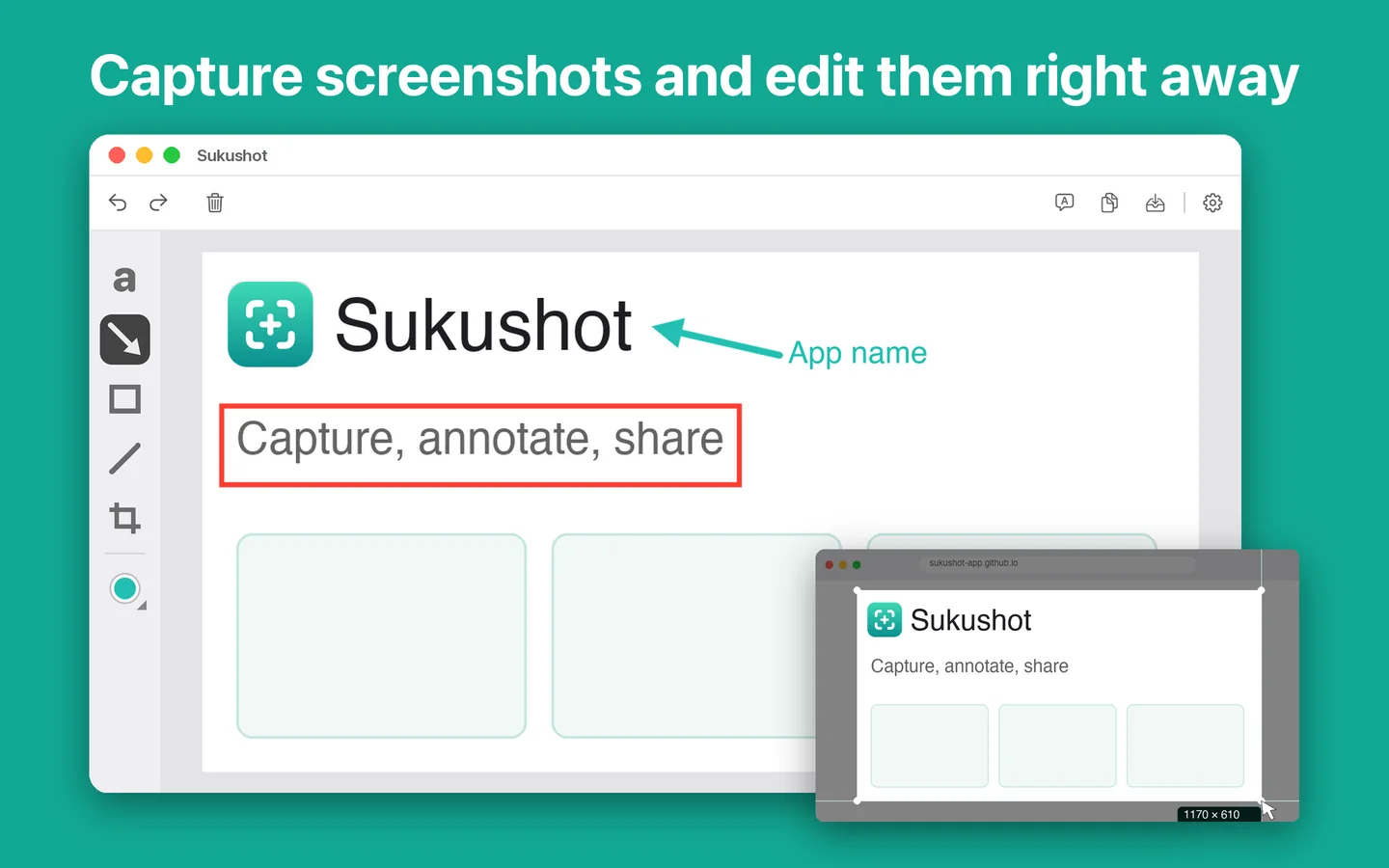
Select an area with crosshair guides, use the timer, or grab the full screen.
Add arrows, text, rectangles, ellipses and lines. Adjust them right where they are.
Translate the text in a screenshot and see the original and the result side by side.
Record an area or the full screen, with app audio. Trim the part you need.
Show, capture and record a connected iPhone or iPad right on your Mac.
Copy, save as PNG, JPEG, HEIC, TIFF or PDF, or drag it straight into any app.